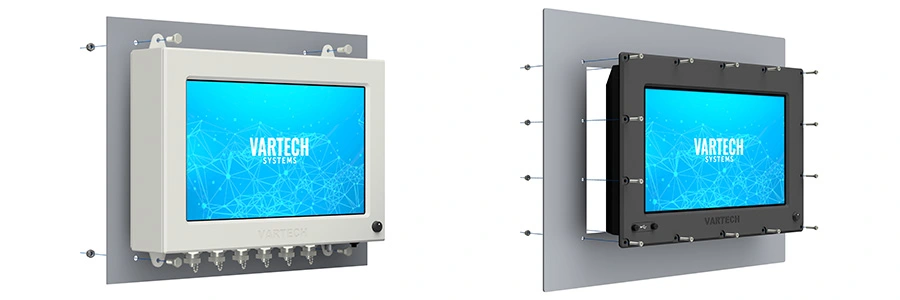
Industrial systems do not always provide the luxury of open space. Control cabinets, machinery, mobile platforms, and retrofit installations can leave integrators with limited room for computing hardware. A compact industrial computer may solve the dimensional constraint, but physical fit is only one part of successful installation.
Mounting decisions affect thermal management, vibration exposure, accessibility, and operator ergonomics when a local display is involved. Engineers should evaluate these factors together during system design. A computer that fits inside an enclosure still needs suitable operating conditions and enough room for installation, interaction, and maintenance.
Every computer produces heat that must ultimately transfer to its surroundings. Inside a crowded cabinet, the temperature around the computer can differ substantially from the ambient temperature outside it. Nearby equipment, restricted airflow, and enclosure cooling arrangements all influence that local environment.
Thermal planning should account for the internal heat load and expected ambient conditions. Depending on the application, the installation may require passive ventilation, forced airflow, air conditioning, or another cooling method. Position the computer so that it does not obstruct the enclosure’s intended airflow or cooling paths.
Enclosure construction also matters. When comparing a ventilated computer such as PowerCube with a sealed system such as ToughCube, engineers should review each system’s cooling requirements. Ventilation openings need clearance, while a sealed enclosure still needs to transfer heat to its surroundings. Neither design eliminates the need to evaluate the completed installation.
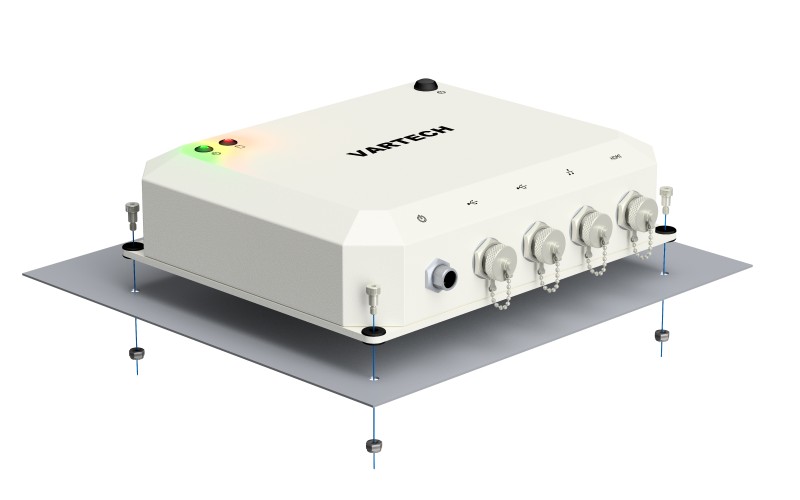
Processing requirements deserve the same attention. For a system such as Bolt (Ai), thermal planning should reflect the selected configuration and intended workload. Confirm the operating limits of the complete computer rather than infer them from the temperature ratings of individual industrial-grade components.
Before approving the layout, check the manufacturer’s requirements for clearance, orientation, and operating temperature. Where practical, verify temperatures with the equipment installed and running its expected workload. The relevant question is whether the computer can remain within its specified limits in its actual mounting location.
Vibration from motors, pumps, compressors, and other rotating or reciprocating equipment can travel through machine frames, skids, and supporting structures. This means a computer may be exposed to vibration even when it is mounted some distance from the equipment generating it.
Engineers should identify both the source and the path of that vibration. A mounting position that looks convenient may connect the computer directly to a structure carrying mechanical motion. Moving the computer farther away does not necessarily address that connection.
Vibration isolation requires more than adding a resilient mount. Its effectiveness depends on the excitation frequencies, the natural frequency of the mounted system, equipment mass, damping, and mount characteristics. An unsuitable arrangement can amplify vibration at certain frequencies rather than provide the intended reduction.
If an isolation mount is being considered, evaluate it for the selected computer and the application’s vibration conditions. Check the supporting structure as well. The mounting surface and hardware must support the equipment securely, including the loads expected during operation or transport.
Cable routing should also be considered when evaluating the mounting arrangement. Allow enough slack to accommodate movement without placing strain on connectors and secure the cables to prevent pinching or rubbing against nearby structures. Even a properly selected mount can create reliability problems if cable routes is overlooked.
Confined installations become more complicated when operators interact with a display. A mechanically convenient location may require the user to bend, twist, or look upward for extended periods.
Display placement should support a comfortable viewing position and practical access to controls. Consider viewing distance, screen angle, glare, and the operator’s head and neck position. Evaluate these conditions from the position where the person will use the equipment.
Industrial applications require attention to the task. Operators may be standing, wearing protective equipment, or using the display only during setup and diagnostics. A continuously monitored HMI has different placement requirements from a service screen used occasionally by a technician.
The Bolt (Ai), for example, can be configured with an optional 11.6-inch side-panel service display. This can reduce the need for a separate monitor during local service tasks. However, the mounting layout must leave that display visible and accessible. Its space advantage has limited value if surrounding equipment prevents a technician from using it comfortably.
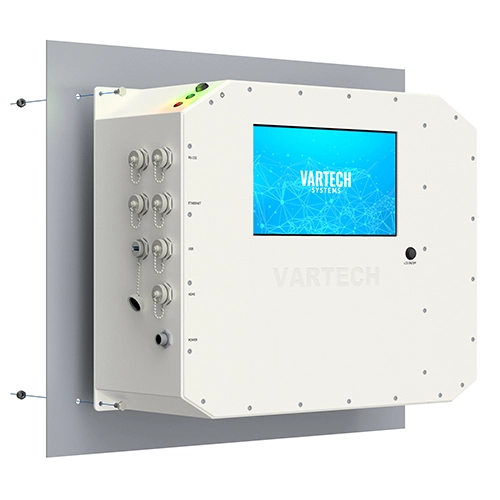
The computer’s external dimensions do not describe its full installation envelope. Connectors, cable routing, mounting brackets, and access to fasteners all require additional space. Engineers should also account for cable bend requirements and the clearance needed to disconnect connections.
Review the removal process before finalizing the layout. A technician should be able to reach the mounting hardware and remove the computer without unnecessary disassembly of adjacent equipment. Where access is restricted, consider whether a different orientation or mounting location would simplify service.
The objective is to use the available space without compromising thermal performance, vibration management, operator interaction, or maintainability. Treating mounting as part of the overall system design helps ensure that a compact computer remains practical to operate and service throughout its working life.
Based in Clemmons, North Carolina, VarTech Systems Inc. engineers and builds custom industrial and rugged computers, monitors, and HMIs.